
Skip to content

Business continuity and disaster recovery plans, ready to activate in one click

Predefine roles, tasks and activation criteria, so your team knows who does what the moment disruption hits.
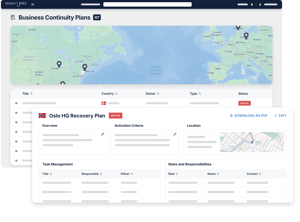
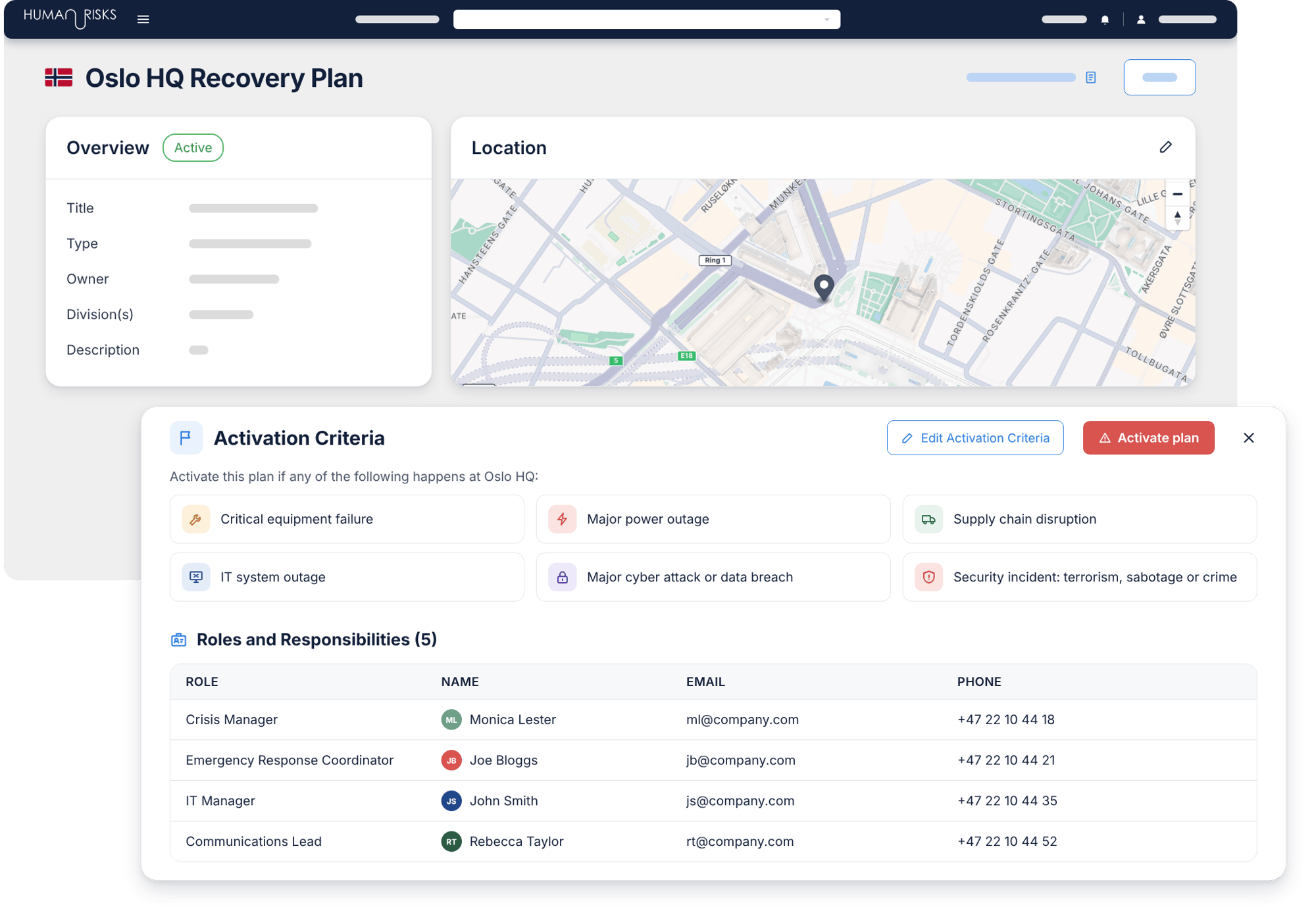
Business Continuity Plans
BCP Activation Criteria View
Readiness

Plan for every possibility

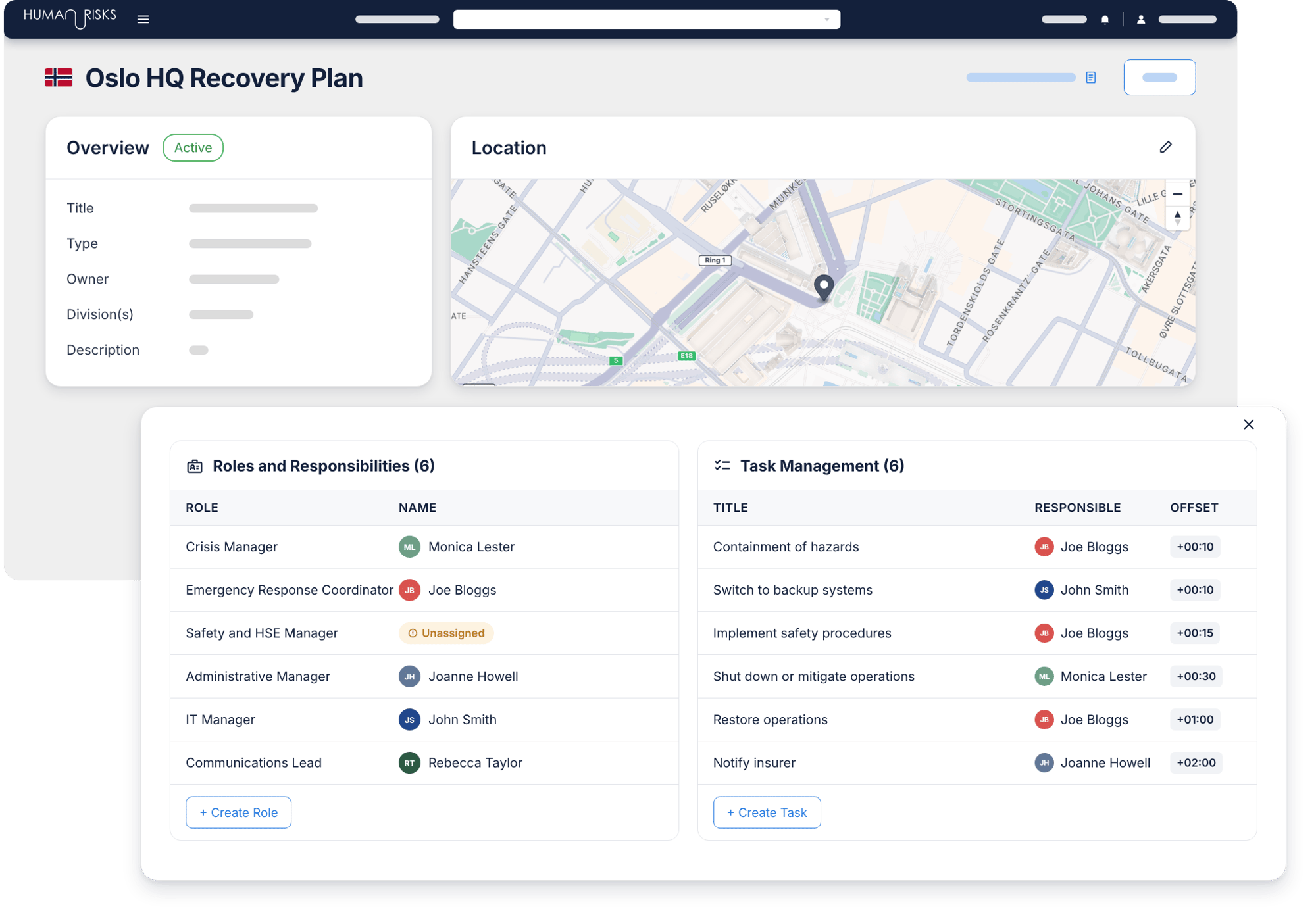
Figuring out who does what during an actual crisis costs minutes you do not have, and it shows in how the response plays out. Predefine your activation criteria, roles, and tasks, with up to two people covering each role, so the plan is ready before the crisis strikes.

Automations

Reduce reaction time

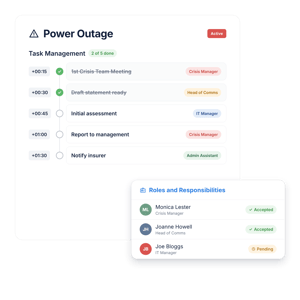
Activate a plan to automatically notify previously assigned users and delegate the predefined tasks to the relevant employees. One click takes you straight into a live crisis room, with roles notified and timers already running, so recovery starts the moment you activate.

Business Continuity Plans: Pre-prepared tasks and responsibilities
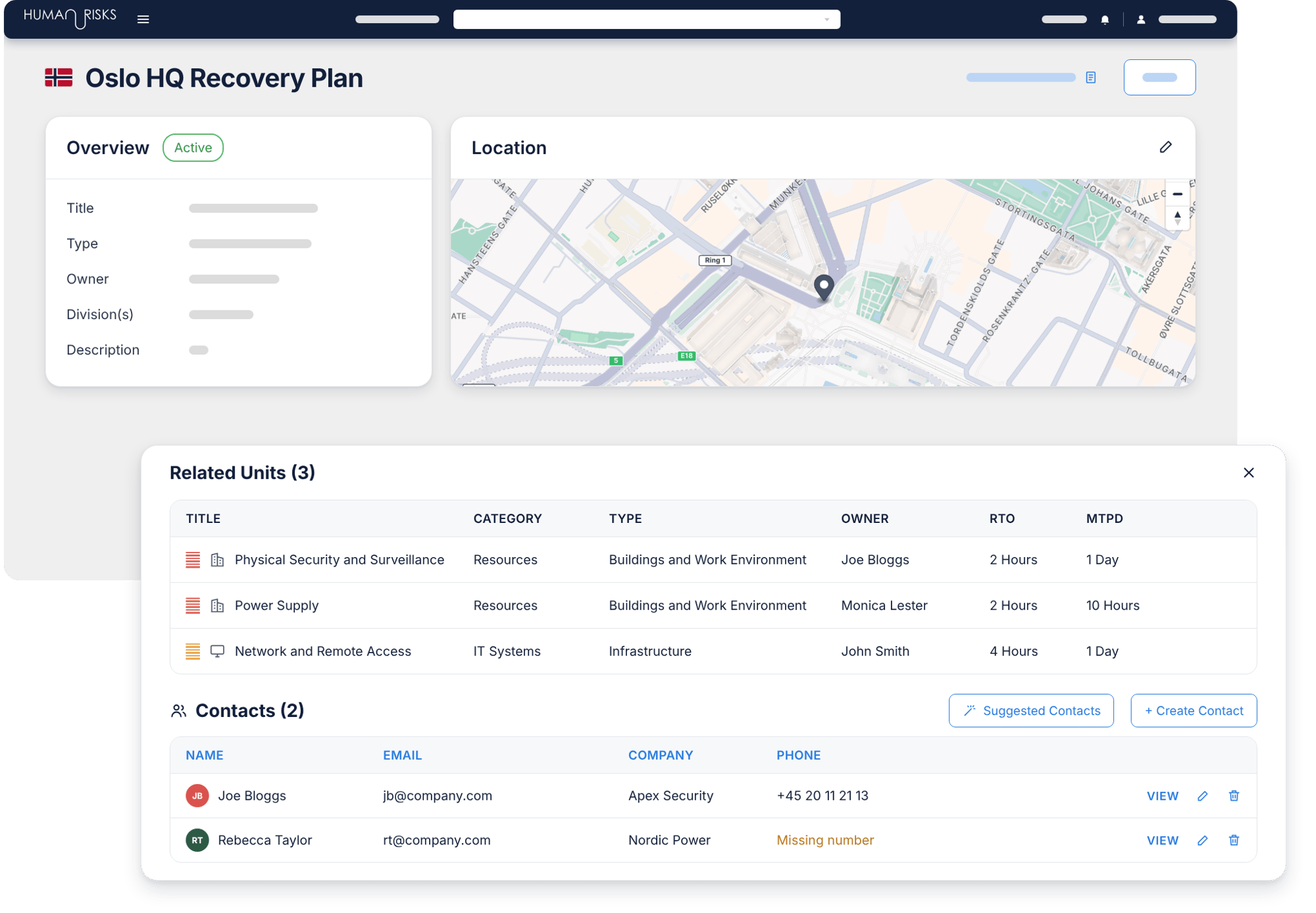
Business Continuity Plans: Related Units
Timing

Prepare for the unexpected

Every task in a plan can carry an offset time from the moment of activation, so actions are triggered at the right point in the response. This helps teams move through the recovery process without relying on manual reminders or coordination.

How does it work?

Business Continuity Plans pre-assigns roles, tasks and activation criteria to every plan. The work that makes a crisis manageable happens long before it starts. Here is how to build a plan before you need it:

1
Create a plan

Set up a business continuity plan (BCP), crisis management plan, disaster recovery plan, or contingency plan, for a specific location or region.

2
Define activation criteria

Write the conditions that tell your team it is time to activate this plan.

3
Assign roles

Set up to two people per role, so the plan still works if one of them is unreachable.

4
Build the task list

Add tasks to each role or person, with an offset time from activation, such as within 15 minutes.

5
Add your contacts and files

Keep an address book of who to call and any documents the team will need, attached to the plan itself.

6
Activate when it counts

One click takes you straight into a live crisis room, with roles, tasks, and timers already running.

Discover the Business Continuity Plans module
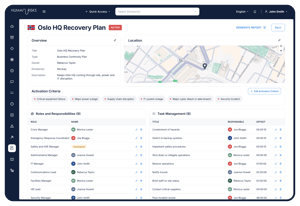
Individual Business Continuity Plan View

What else can you expect?

Plans that name specific people are out of date the moment someone changes teams, goes on leave, or leaves the company, which is exactly when a crisis tends to put them to the test. Assigning tasks and responsibilities to a role instead of a person means the plan still lands with whoever is filling that role, regardless of who is currently on shift or reachable.

This way, the plan does not depend on a single point of contact being available at the right moment. At the time of activation, whoever is filling the role accepts it directly, and the plan continues without anyone needing to rebuild it around who is currently available.

This keeps a plan usable for years: your org chart will change, but a plan built around roles keeps working through all of it.

A list of tasks with no timing attached tells your team what to do, but not when or in what order. Every task in the BCP module can carry an offset time from the moment of activation. For example, within 15 minutes of activation, a specific message goes out; within an hour, a specific check happens, and so on.

Once you activate a plan, Human Risks notifies the people responsible for each task automatically as their offset time approaches.

That structure turns a document full of good intentions into a plan that executes itself in the right order and at the right pace.

Not every audience for a continuity plan is inside the platform. Regulators, insurers, auditors, and executives often need to see the plan itself.

You can export every plan, along with its roles, tasks, contacts, and attached files, as a PDF or an Excel file whenever it is needed, so producing a physical record is not a separate project every time someone asks for one.

This is why continuity teams at global organisations keep every plan exportable by default: when a regulator or an auditor asks to see it, the plan is already in a format they can review.

See a security risk assessment
completed in 15 minutes

A live demo of Human Risks, built around your sites, threats and continuity plans.

Trusted by GSK, HSBC and IKEA · ISO 27001 certified

The entire business continuity management cycle in one platform

The BCP module is part of the Business Continuity Package. You can use it on its own to create plans, and it is designed to work with the Risk Assessment, Business Impact Analysis and Crisis Management modules.
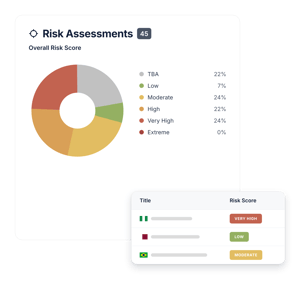
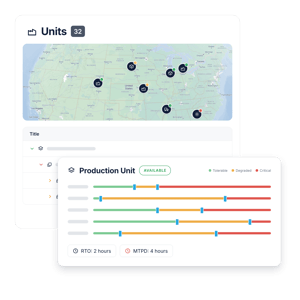
Frequently Asked Questions

What types of plan can I create?

You can create business continuity plans, crisis management plans, disaster recovery plans and contingency plans, each for a specific location or region. Every plan sits in one place, scoped to where it applies.

What happens when I activate a plan?

One click takes you into a live crisis room. Human Risks notifies the assigned users, delegates the predefined tasks and starts the timers. Recovery starts the moment you activate.

What are offset tasks?

An offset task is set to happen a fixed time after activation, such as within 15 minutes or within an hour. Human Risks notifies the people responsible as their offset time approaches. Your team acts in the right order without anyone having to track a runsheet and chase people down.

What if someone in the plan is unavailable?

You assign tasks to roles, with up to two people covering each role. At activation, whoever is filling the role accepts it directly. The plan does not depend on one person being reachable, and it keeps working as your organisation changes.

Can I share a plan with regulators or auditors?

Yes. You can export any plan, with its roles, tasks, contacts and attached files, as a PDF or an Excel file. When a regulator, insurer, auditor or executive asks to see your plans, they are ready to review.